
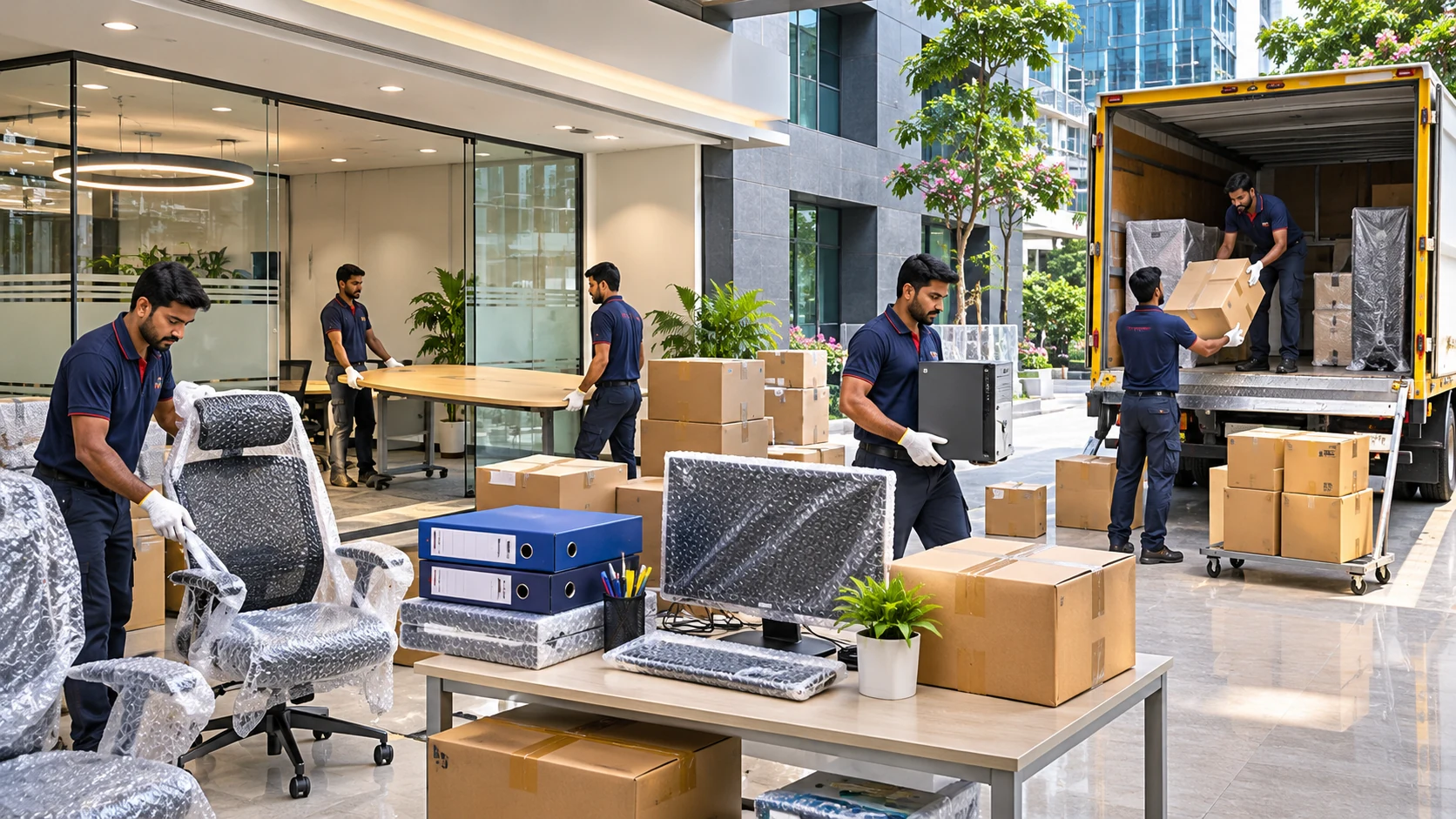
Office computers, printers and network devices need organised handling during relocation. The goal is to reduce downtime and keep equipment and important information accounted for.
This guide focuses on office relocation and the practical decisions customers should make before booking. The exact process can vary by route, property access, vehicle type and selected service package.
Inventory every device
List laptops, desktop systems, monitors, printers, routers and accessories. Record labels or serial numbers where useful.
Make this step part of your moving checklist and note the person responsible. If any detail is unclear, ask for an explanation before packing or loading begins.
A useful practical habit is to divide your list into items that will travel with the moving vehicle and items that must remain in your personal care.
Back up business data
Arrange secure backups through your IT team before any device is disconnected. Transport precautions do not replace a verified data backup.
For moves around Puducherry, share the complete locality and both property access conditions; local road layouts and apartment rules may change the practical plan.
Do not compare services on price alone: confirm whether the stated amount covers materials, labour, loading, transport and unloading.
Label cables and workstations
Match monitors, power adapters, peripherals and cables to the correct desk or department. Photos of cable setups can speed reassembly.
Write down the agreed arrangement rather than assuming that every moving provider follows the same procedure. It will help everyone prepare for the day.
Where a stairway, lift or parking space could delay the move, mention it early and ask whether alternative access arrangements are needed.
Pack screens and sensitive devices
Use suitable protective packaging and avoid placing heavy objects against monitors or delicate equipment. Follow manufacturer handling advice.
If you have unusually heavy, delicate or valuable belongings, describe them in advance. The right equipment and packing approach depend on the item.
Create a short photo record of fragile or high-value equipment before it is handled, and keep important paperwork separate from packed cartons.
Plan setup order at the new office
Prioritise internet equipment, essential workstations, communication devices and shared printers. Confirm power and network readiness before arrival.
Photographs and a clear inventory are useful references, particularly where multiple people are coordinating the packing, loading and delivery.
Use simple room labels and clear descriptions. This saves time when boxes arrive and helps avoid opening unnecessary cartons.
Test before employees return
Check startup, network access, printers and essential business software. Keep a short issue log so the IT team can resolve problems efficiently.
Before confirming the job, review the quotation, timeline and responsibilities. Clear expectations make it easier to resolve questions later.
At the destination, inspect important items and compare the delivered inventory with your notes before completing the handover.
Quick checklist before confirming
- Confirm both addresses, travel date and pickup contact.
- List large furniture, appliances, cartons and fragile items.
- Check vehicle parking, stairs, lifts and permitted moving hours.
- Request a written quote that clearly shows included services.
- Keep important documents, medicines and valuables with you.
- Record the condition of sensitive items and inspect delivery.
Frequently asked questions
Should office data be backed up before shifting?
Yes. Keep verified backups according to your organisation’s security policy.
How do I pack computer monitors?
Use suitable protective packaging and avoid pressure on the screen.
Can we move an office over a weekend?
It may reduce disruption, but confirm building permissions, staff availability and IT setup requirements.
What equipment should be set up first?
Start with networking, communications and workstations essential for operations.
Related moving guides
For more practical information, read Home Shifting Services Near Me: Questions to Ask Before Booking, Packing and Moving Services for Kitchen Items and Home Appliances and our existing guide A Complete Guide to Office Relocation. You can also explore all moving tips and blog articles.
Conclusion
The best approach to office relocation is careful preparation: understand the service scope, give accurate details, keep essentials separate and check everything at delivery. For a move in or from Pondicherry, confirm the route and local access before booking. For a better result, share an accurate item list, clarify what is included in your quotation and record the agreed pickup and delivery arrangements. A short written checklist is usually more useful than relying on memory on a busy moving day.